Exact product references
The selected product textures, sizes and finishes are sent to the AI rendering workflow.
ZIGMA AI RENDER STUDIO
Select a main wall, complementary wall and floor, choose an environment, and request a new photorealistic architectural render.
AI RENDER WORKFLOW
AI GENERATED VISUAL
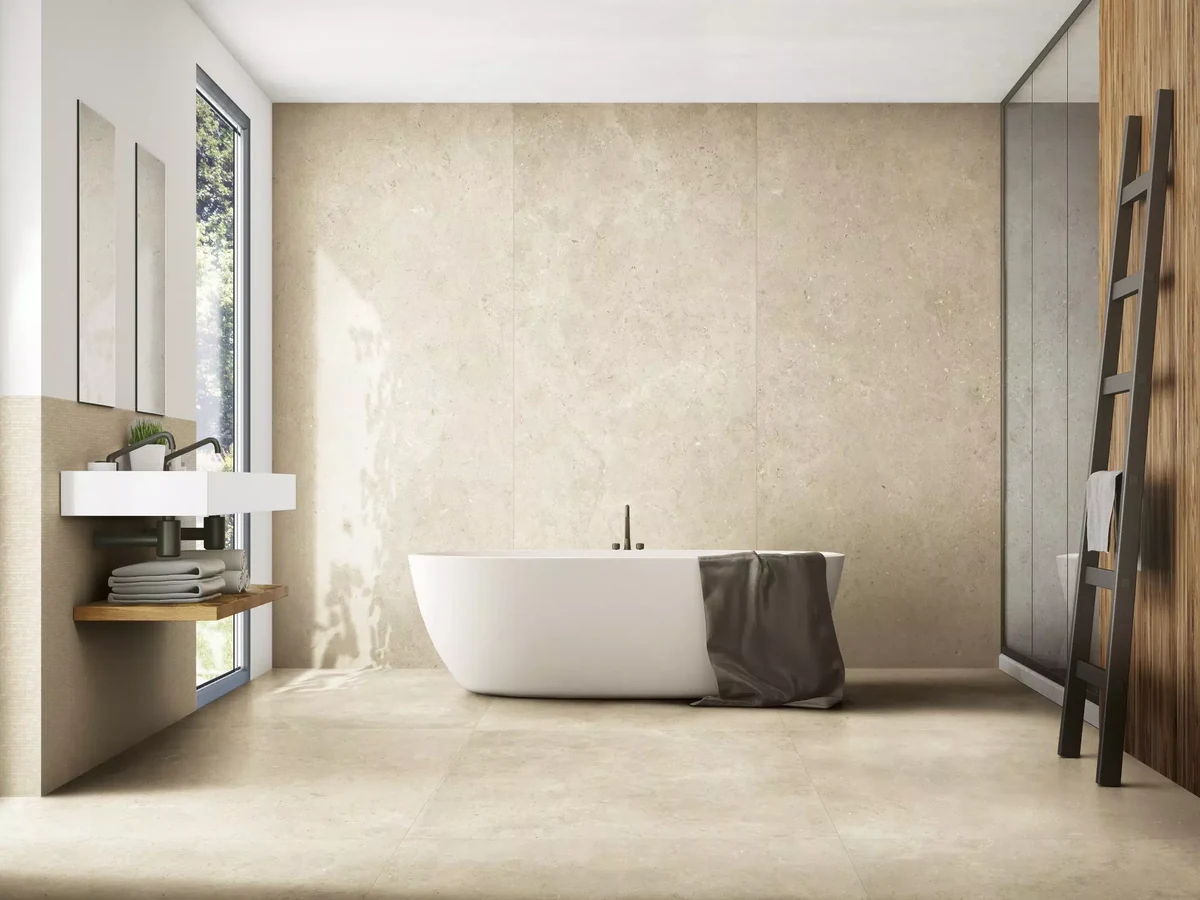
Analyzing textures, material roles, lighting and architecture.
HOW IT WORKS
The selected product textures, sizes and finishes are sent to the AI rendering workflow.
The AI creates a fresh scene using the chosen surfaces as material references.
Download the concept and add the selected products to a consolidated B2B inquiry.
AI concept disclaimer: Color, vein scale, joints and surface effect may differ from the physical product. Final selection must be based on an approved sample and technical data sheet.